




Step 1
Capture Your View
Capture the current SketchUp scene and camera angle - no exports or UV tweaks required.
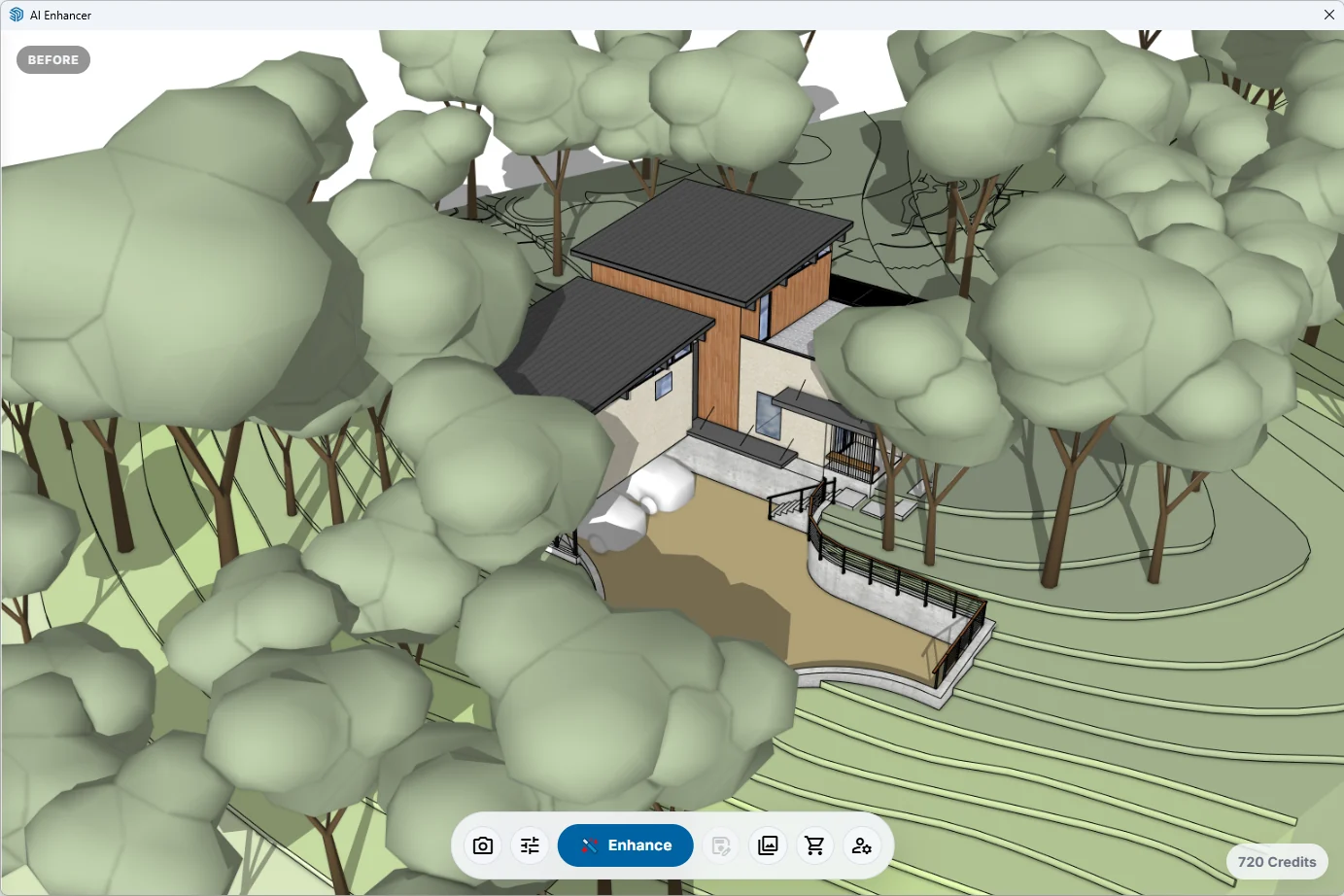
Stop wrestling with complex render settings. AI Enhance for SketchUp transforms your models into stunning, client-ready visuals with a single click.
Compatible with SketchUp 2024+No credit card required

From simple models to stunning reality. Explore how AI Enhance transforms your work.
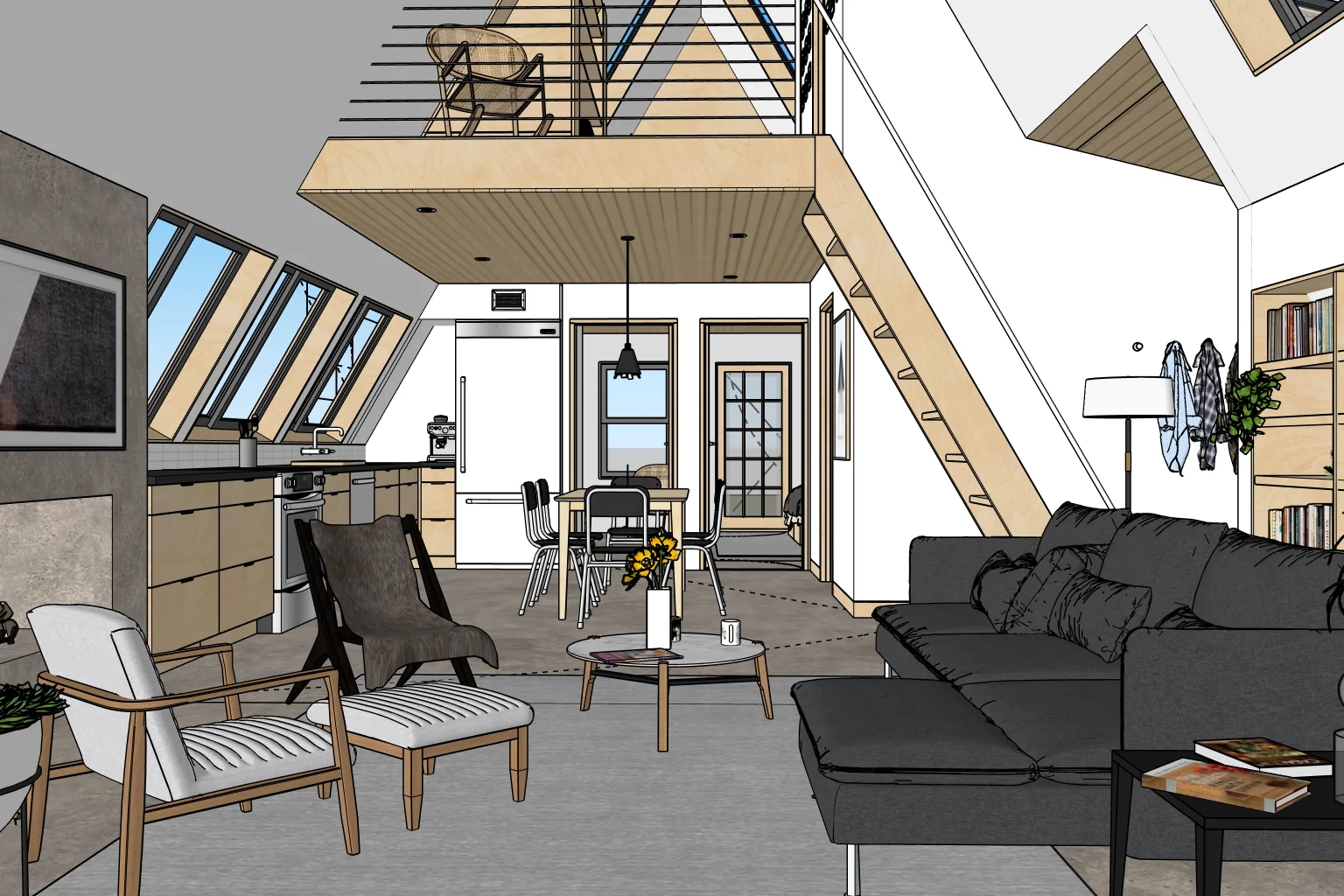

Automatic generation of natural light sources, soft shadows, and ambient occlusion.
AI replaces basic materials with high-resolution, physically accurate textures.
Adds believable reflections to glass, metal, and polished surfaces automatically.
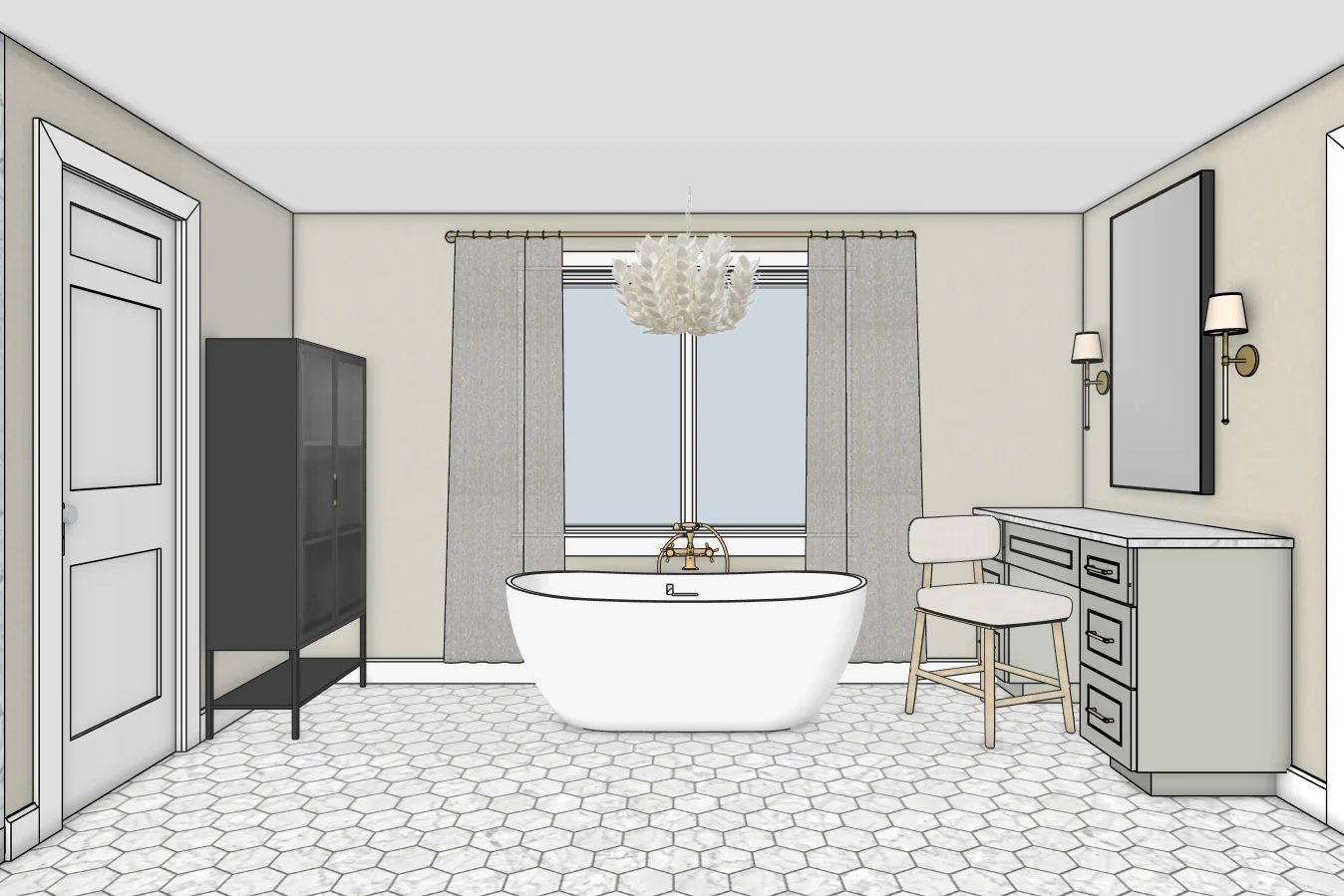

Flat SketchUp views underwhelm, and even Enscape takes time to tune. You still wrestle with materials, reflections, and slow iterations.

Production-ready renders in seconds. It's like having a visualization team in your pocket.
Transform your model with a single click. Our AI handles lighting, materials, and scenery so you can focus on design.
Generate crisp, photorealistic images that bring your vision to life and help clients make decisions faster.
Leverage the power of cloud-based AI. No need for a powerful, expensive computer to create world-class renders.
Proven SketchUp Rendering Workflows for Production Teams
"I built AI Enhance to remove rendering busywork inside SketchUp, so teams can iterate faster and deliver client-ready visuals with confidence."
A three-step flow built for speed. Stay in SketchUp, click once, deliver photoreal results.
Capture the current SketchUp scene and camera angle - no exports or UV tweaks required.
Choose your enhancement settings and prompt style, then kick off the render.
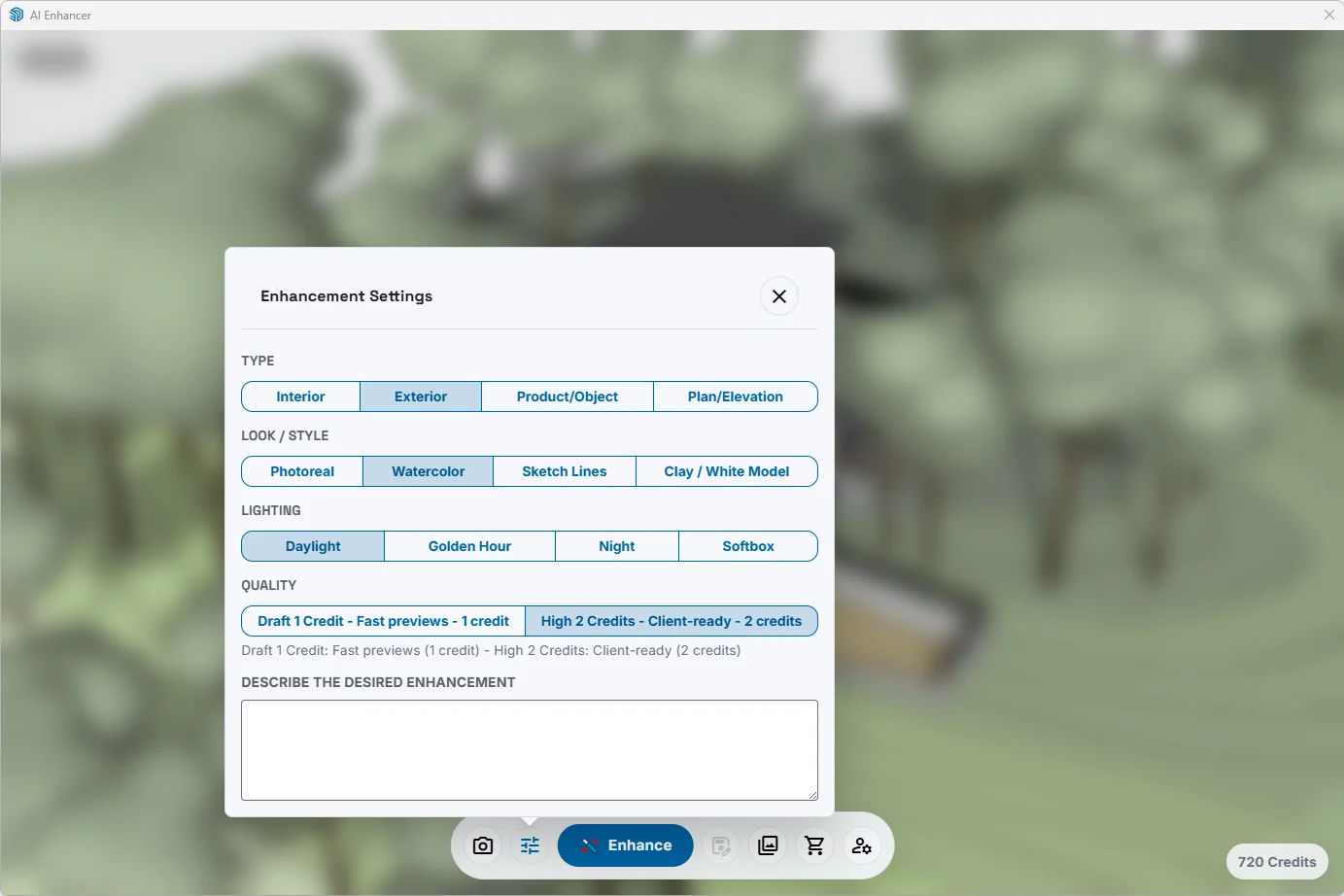
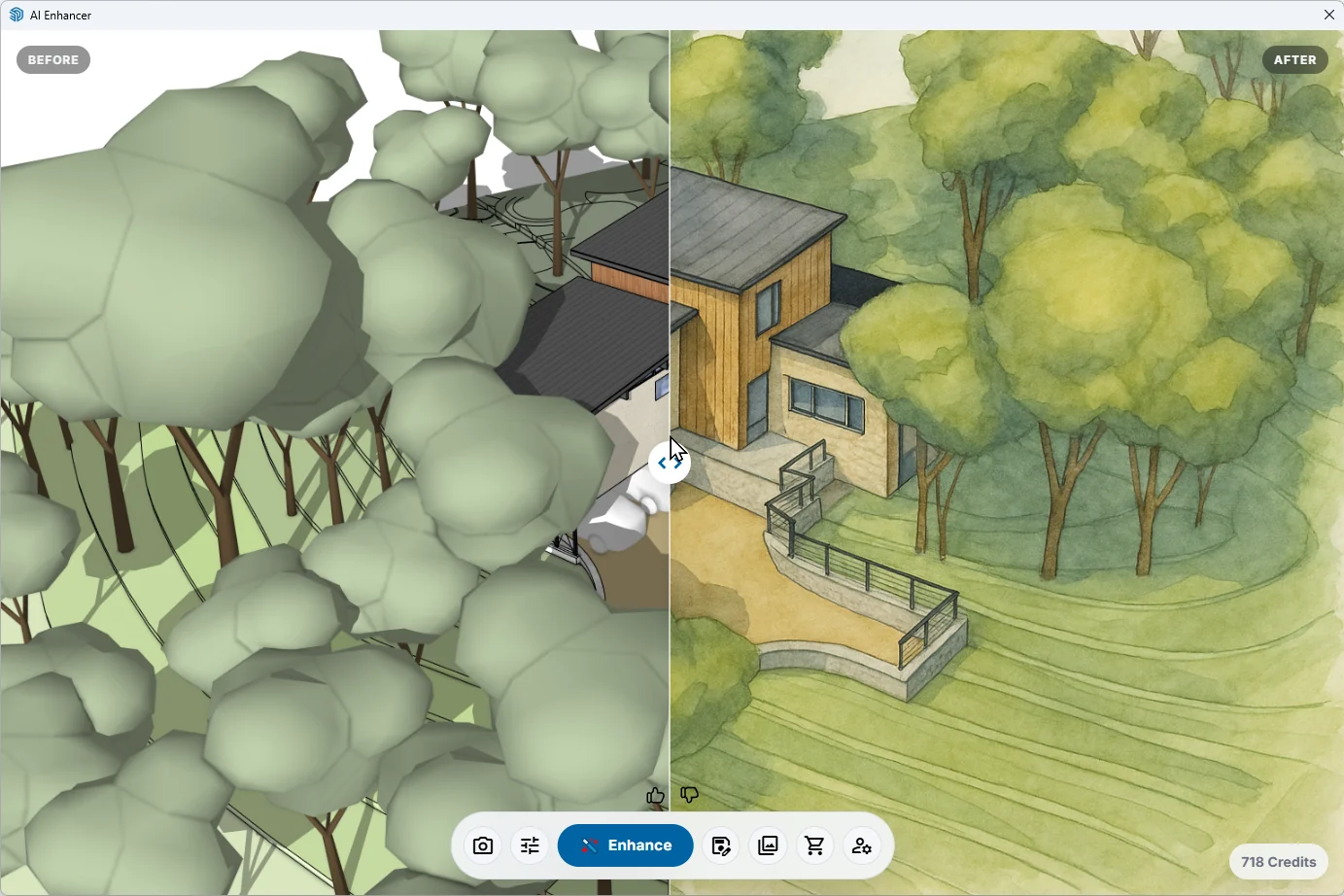
Render in seconds and view a side-by-side comparison to fine-tune or share instantly.
Flexible credit packs - no contracts. Preview for quick tests, Standard for everyday renders, High for client-ready. Credits never expire, so render when you need.
Perfect for trying out the extension or for small projects (single-user).
50 Credits
$0.26 / credit
Our most popular pack for freelancers and professionals (single-user).
150 Credits
$0.23 / credit
Ideal for heavy users, agencies, and small teams.
500 Credits
$0.20 / credit
Buy the Studio pack, choose Team or organization at checkout, and the shared balance and owner access are created automatically after payment.
Buy Studio for a Team >Get 20 free credits valid for 20 days from activation to try Preview, Standard, and High rendering. No credit card required.
Download ExtensionSee how AI Enhance stacks up against other popular visualization tools for speed, ease of use, and quality of results.
| Feature | AI Enhance | Veras |
|---|---|---|
| Direct SketchUp Integration | ||
| Ease of Use | ||
| Geometry & Scene Awareness | ||
| Workflow Speed | ||
| Pricing Model |
| Feature | Veras | SketchUp's AI Render | AI Enhance | ReRender.AI | Midjourney |
|---|---|---|---|---|---|
| Direct SketchUp Integration | |||||
| Ease of Use | |||||
| Geometry & Scene Awareness | |||||
| Workflow Speed | |||||
| Pricing Model |
Compare AI Enhance against one competitor at a time.
Quick answers about credits, accounts, and using AI Enhance with your SketchUp workflow.
Do credits expire?
No. Buy packs as you need them - credits never expire.
Is there a subscription?
No subscriptions required. Purchase pay-as-you-go credit packs.
Do I need powerful hardware?
No. Rendering runs on our cloud. Any SketchUp-compatible machine is fine.
How do I use my account from the extension?
Sign in here with the same email you use in the SketchUp extension to see your credits and renders.
What happens if a render fails?
We automatically retry and refund the credit if it still fails.
Explore what's possible with AI Enhance. Renders generated from real user projects.
Stop spending hours on rendering. Get photorealistic results in seconds. Download the AI Enhance extension and transform your SketchUp workflow today.